

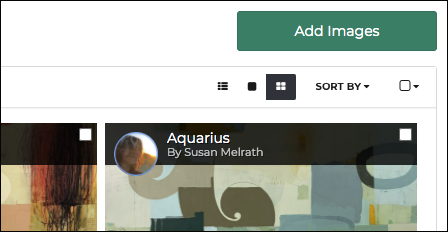
From inside your album, you can easily use the ADD IMAGES button in the upper right corner to add additional images.
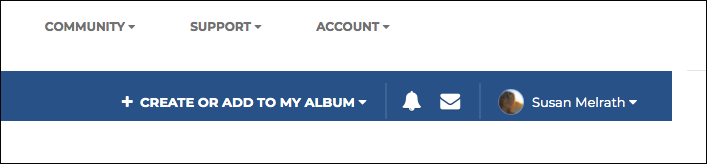
You may also use the CREATE OR ADD TO MY ALBUM button in the dark blue bar at the top right of your screen.
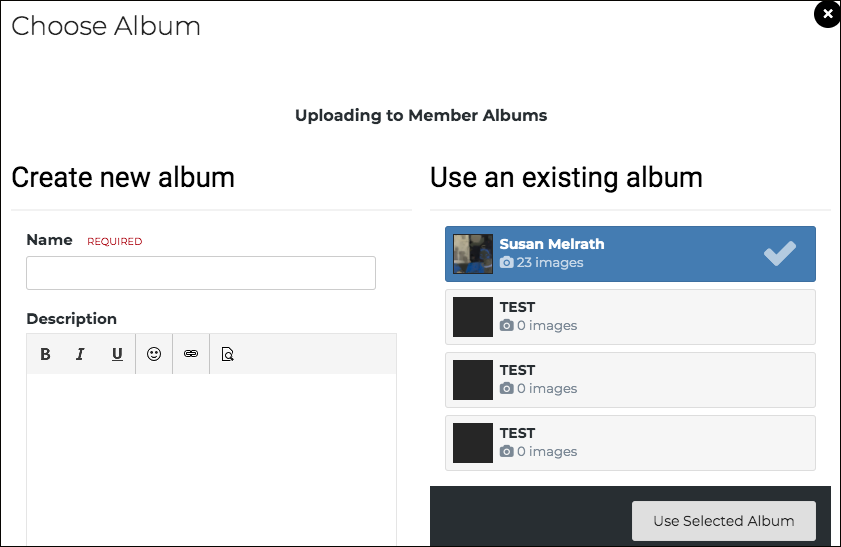
This button opens a new window that will allow you to select an existing album to edit. Select the album you wish to edit, and click USE SELECTED ALBUM.
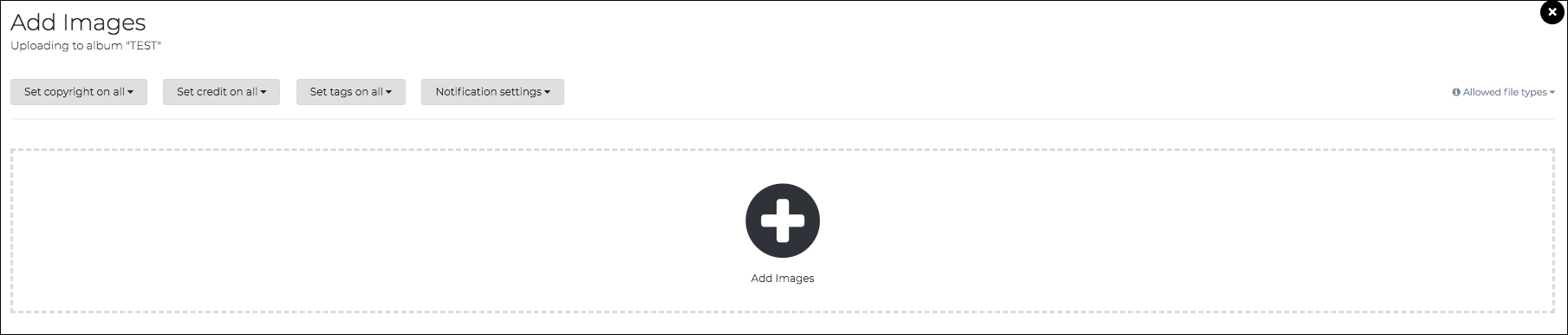
A new window will allow you to upload images. Click ADD IMAGES to upload the images you would like in this album. Select each image you would like to upload to this album. Once uploaded, you may select each image in this window to write an individual description and title. When finished, click on SUBMIT ALL IMAGES at the bottom right of your window.