

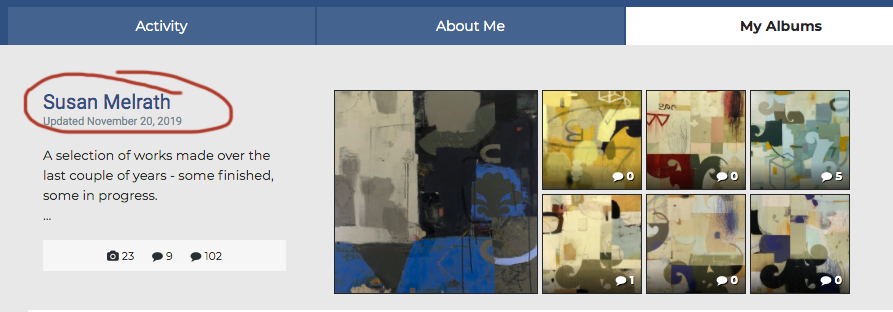
To edit your album, go to your PROFILE AND ALBUMS page, and open your album by clicking on its title.
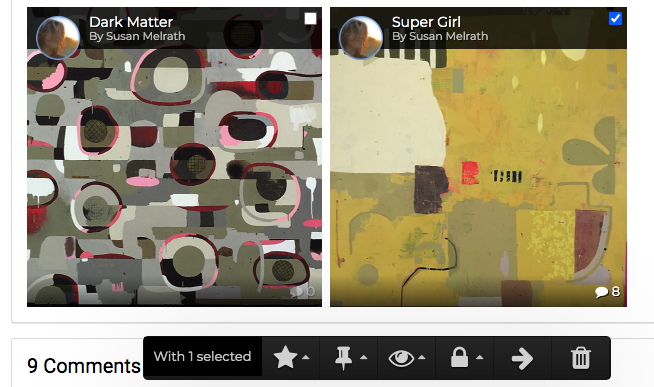
Click in the small white box in the upper right corner of the image you wish to delete. The box will turn blue with a check mark. As soon as you do that, an option bar appears at the bottom of your viewer window and you can select the trashcan to delete the selected image. If you want to delete multiple images from your album, you can do that as well by selecting multiple images.