

To edit an image already uploaded to your album, select the album containing the image, and then select the image you would like to edit by clicking on it.
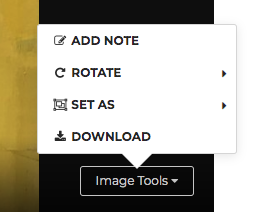
Hover your cursor over the image and click on IMAGE TOOLS in the lower right corner of the image.
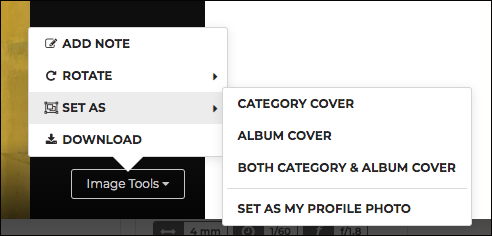
Here you’ll find options to rotate, download or make your image a cover image.
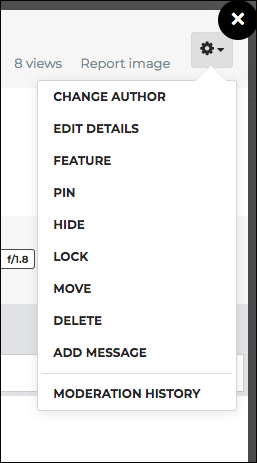
The settings icon in the upper right corner will give you additional editing options.