

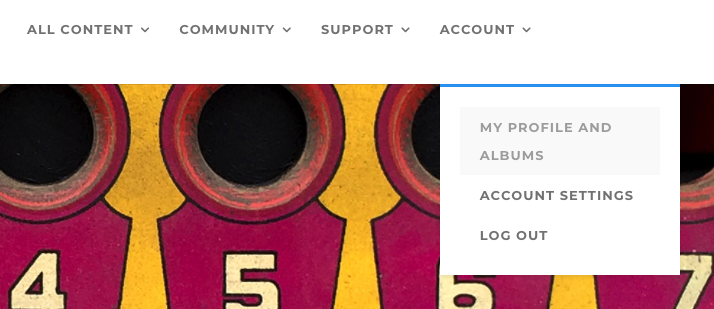
To upload a cover photo to your Membership Profile, log in to the Academy, and click on ACCOUNT choosing MY PROFILE AND ALBUMS from the drop-down menu, and you will see your current Membership Profile.
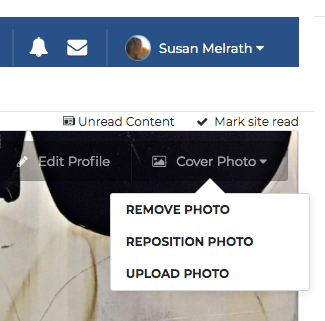
On the upper right side of your screen, you’ll see a small tab labeled “Cover Photo” which will highlight itself when you hover over it. Click on COVER PHOTO and you will then see 3 options: Remove, Reposition, or Upload Photo. Select your option and follow the steps provided.