

Yes, you can easily add your website and social media links to your Membership Profile and we encourage you to do so!
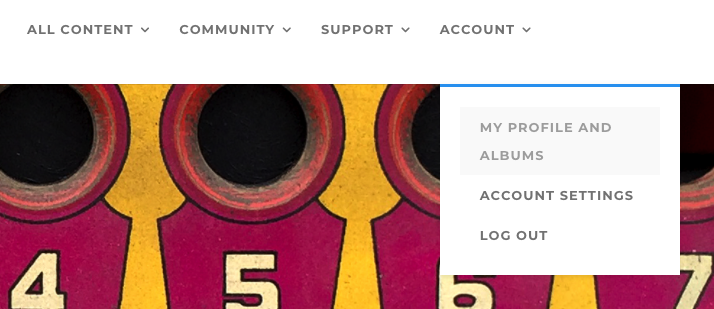
First, log in to the Academy, and click on ACCOUNT choosing MY PROFILE AND ALBUMS from the drop down-menu and you will see your current Membership Profile.
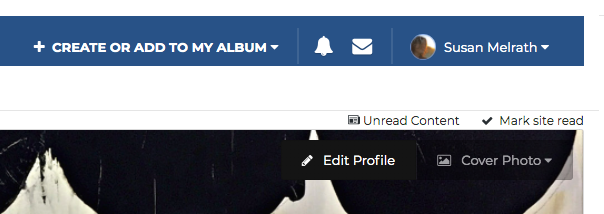
At the top right corner of your Profile click on the tab labeled EDIT PROFILE which highlights when you move your cursor over it. You will then see all of the information that you can edit on your Profile. This is where you can include links to your website or social media accounts. When you are finished editing this information, just click the SAVE tab at the bottom right of your screen.