

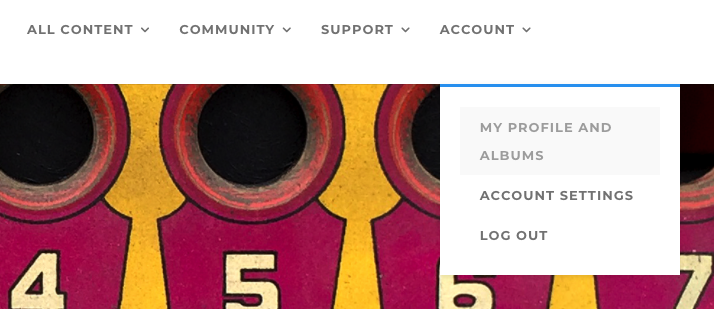
Your Profile is accessed by clicking on ACCOUNT, and choosing MY PROFILE AND ALBUMS from the drop-down menu. Here you will see your current Membership Profile and Albums.
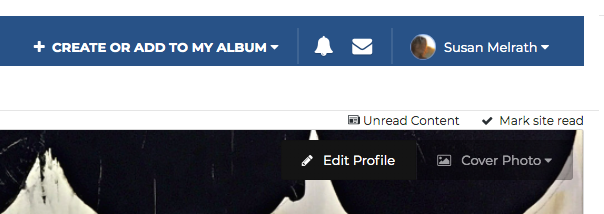
At the top right of your screen, you’ll see “Edit Profile,” which will highlight itself when you place your cursor over it. Click on EDIT PROFILE, and fill in the information about yourself. Select SAVE in the bottom right corner of your screen when you are finished.
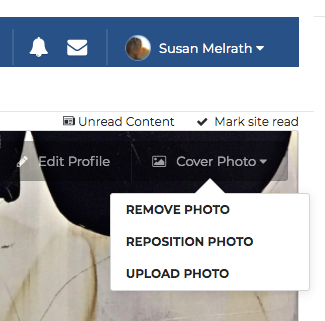
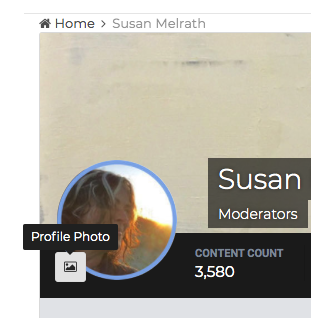
You can also edit your profile photo and your cover image by selecting the small icon by the circle image on the left side of your screen for your Membership photo, or selecting the “Cover Photo” tab at the top right of your screen to change your cover image.