

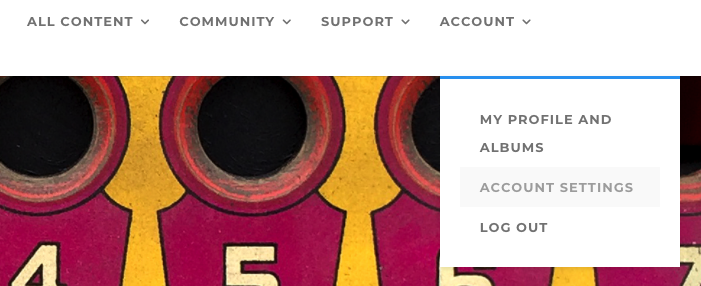
Your Account is where you choose your display name and notifications settings, and add your email address and password. To edit your Account, login to the Academy and on the Home page select ACCOUNT from the menu options. Select ACCOUNT SETTINGS from the drop-down menu and follow the steps to update your Account. Remember this information is only seen by you.