

Select and open the album that you would like to delete.
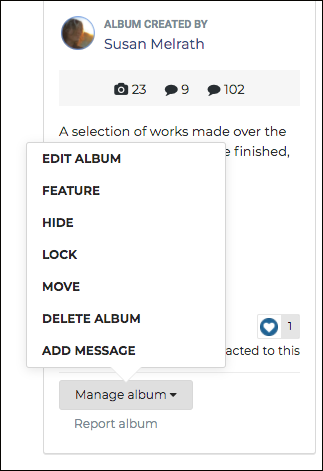
On the left side of your screen, you should see the album cover image and a gray tab labeled MANAGE ALBUM. Click on this tab, and a drop-down menu will appear.

Click on DELETE ALBUM and a new window will appear asking if you are sure you would like to delete this album and the images in this album. Click the tab on the bottom right labeled SAVE and this album will be deleted.