

Logo

What are you looking for?

Get help straight from our team...

Can I send a message to another Academy member? (21)

NAVIGATION AND TECHNOLOGY

Can I send a message to another Academy member? (21)

Last updated on 04 Jun, 2020

Image


To message a member in the Academy, use the COMMUNITY tab on the main menu, and select MEMBERS from the drop-down menu.
 

Image


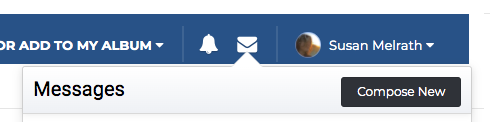
Click on the envelope icon in the upper right hand corner of the blue bar at the top of the page, and select COMPOSE NEW.
 

Image


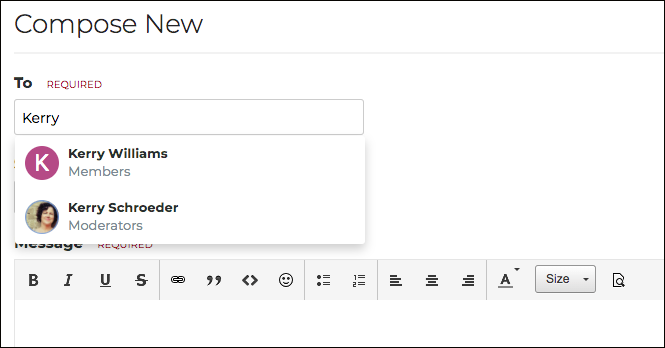
In the new window, simply begin typing the member’s first name and select from the list of members to begin your message. Click SEND.

Did you find this article helpful?
Previous

How do I find another Academy Member’s Profile and Albums? (22)

Next